Toxic Backlinks - How to Identify and Remove Them
Toxic backlinks guide. Learn what toxic backlinks are, signs of toxic backlinks, how to find them using a spam score checker, how to use the Google Disavow Tool, and how to prevent harmful backlinks.
What Are Toxic Backlinks?
Toxic backlinks are links from low-quality, spammy, or malicious websites that can hurt your SEO rather than help it. Unlike high-quality backlinks — which act as votes of confidence — toxic links come from sites Google considers untrustworthy, and they can drag down your rankings or even trigger a penalty.
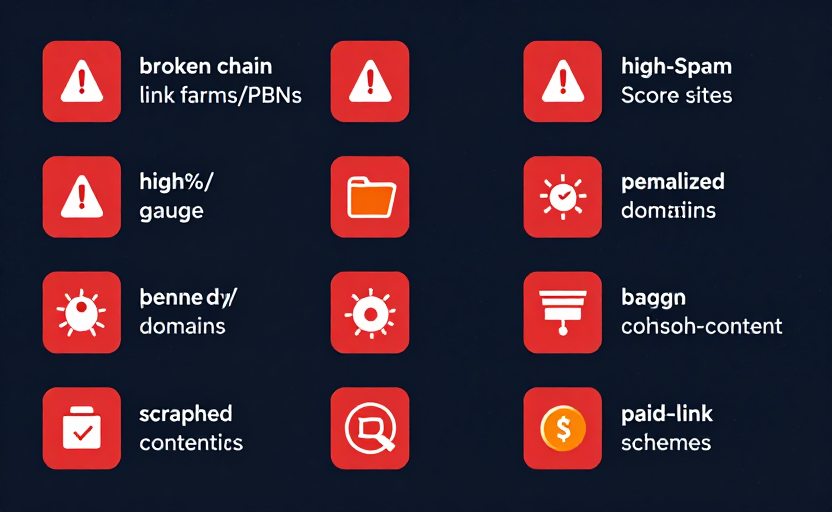
Toxic backlinks commonly come from:
- Link farms and PBNs (private blog networks) created solely to sell links
- Sites with high Spam Score that share characteristics with penalized sites
- Irrelevant or off-topic sites that link to you for no legitimate reason
- Penalized or deindexed domains
- Low-quality directories and bookmarking sites
- Sites with malware, phishing, or scraped content
To understand the metric that flags these sites, see our complete guide to Moz Spam Score. Check your own site's risk level now with our free Spam Score Checker.
Signs of Toxic Backlinks
Not every low-quality link is toxic, but these signs should raise concern:
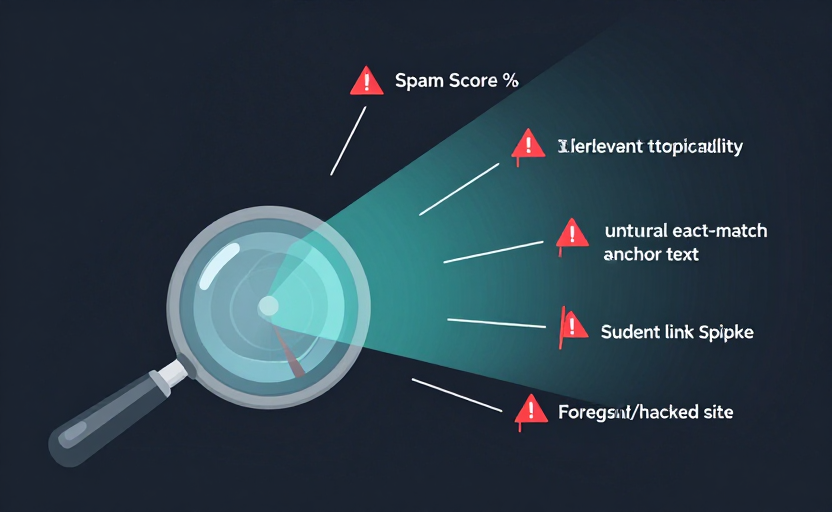
- High Spam Score — The linking domain triggers many of Moz's 27 spam flags
- Low Domain Authority — A DA near zero suggests a weak, possibly throwaway domain
- Irrelevant topicality — The site has nothing to do with your niche
- Unnatural anchor text — Heavy exact-match commercial keywords in the anchors
- Suspicious link patterns — Sudden spikes of links from unrelated sites
- Foreign-language or hacked sites — Links injected into compromised sites
A single suspicious link is usually nothing to worry about. A pattern of them is what triggers problems.
How to Find Toxic Backlinks
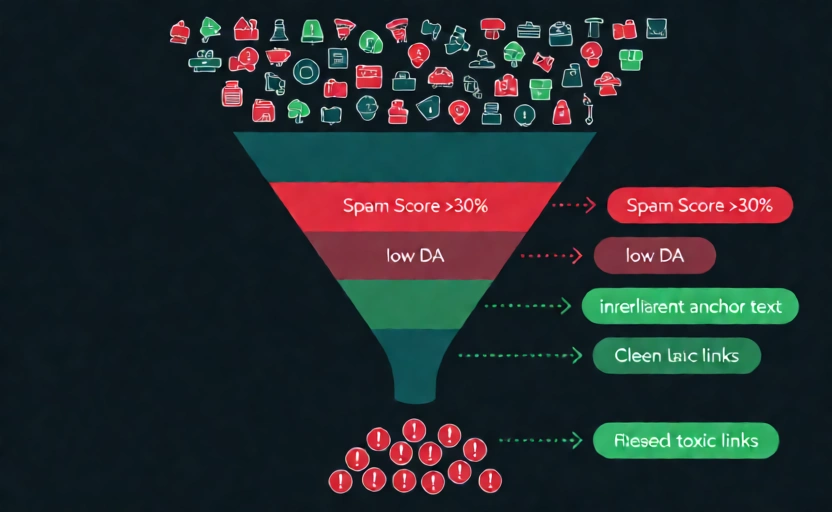
To clean up your link profile, you first need to find the toxic links. Here is the process:
- Export your backlinks from Google Search Console (Links report) or a backlink tool
- Check each referring domain's Spam Score using our Bulk DA PA Checker, which reports DA, PA, and Spam Score for up to 100 domains at once
- Flag domains with Spam Score above 30% as toxic candidates
- Review anchor text and relevance — look for over-optimized commercial anchors or completely irrelevant sites
- Prioritize by severity — focus on the worst offenders and any obvious link schemes first
For a fuller cleanup playbook, see our guide on how to reduce your Spam Score.
Google Disavow Tool Guide
The Google Disavow Tool lets you tell Google to ignore specific backlinks when evaluating your site. It is the primary tool for dealing with toxic links you cannot remove manually.
How to use it:
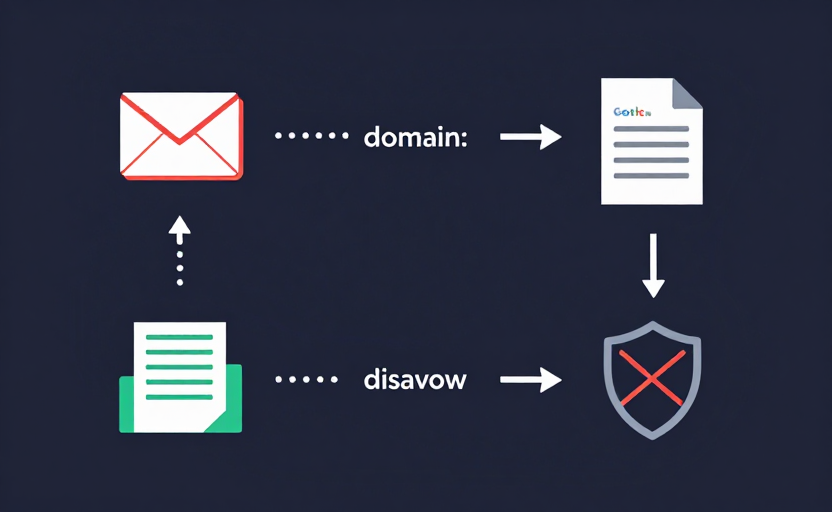
- Try manual removal first. Contact the linking site's owner and ask them to remove the link. Google expects you to make this effort.
- Create a disavow file. This is a plain text file listing the toxic domains or URLs, one per line. You can disavow entire domains (
domain:example.com) or specific pages. - Submit via Search Console. Use the Disavow Links tool inside Google Search Console, selecting your property and uploading the file.
- Be conservative. Only disavow genuinely toxic links. Over-disavowing can remove valuable equity and hurt your rankings.
Important: The Disavow Tool does not remove links — it only tells Google to ignore them. The links still exist on the web. Use it as a last resort after manual removal attempts.
Preventing Future Toxic Links
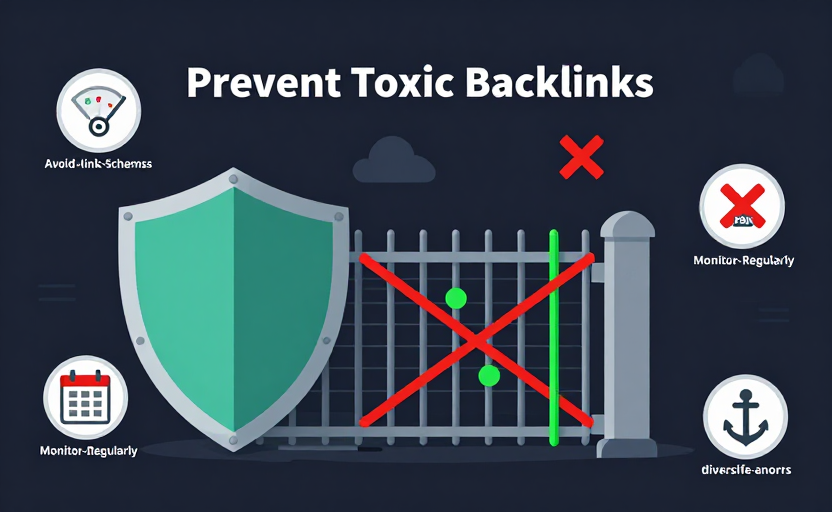
Prevention is easier than cleanup. To avoid accumulating toxic backlinks:
- Build links only from relevant, authoritative sites. Vet every target with the DA PA Checker before pursuing it.
- Avoid link schemes entirely. Never buy links, join link networks, or use PBNs. Google penalizes these.
- Monitor your link profile regularly. New toxic links can appear without your involvement (negative SEO or scraped content). Check periodically.
- Diversify your anchor text naturally. Avoid patterns that look manipulated.
- Disavow suspicious links promptly. If you spot a toxic link you did not earn, disavow it before it causes harm.
Conclusion
Toxic backlinks are a real SEO risk, but they are manageable. By identifying toxic links via Spam Score, removing what you can manually, disavowing the rest, and preventing future toxic links through careful link building, you protect your rankings and keep your profile healthy.
Audit your link profile now with the Spam Score Checker and the Bulk DA PA Checker. For related reading, see our guides on what Spam Score means, how to reduce Spam Score, and our link building guide.
Frequently Asked Questions
What are toxic backlinks?
Toxic backlinks are links from low-quality, spammy, or irrelevant websites that can harm your SEO. They come from sites with high Spam Score, link farms, PBNs, or penalized domains. Toxic links can trigger Google's spam algorithms or manual penalties.
How do I find toxic backlinks?
Find toxic backlinks by exporting your backlink profile from Google Search Console and checking each referring domain's Spam Score with our Spam Score Checker or Bulk DA PA Checker. Any domain with a Spam Score above 30% is a candidate for disavowal.
Should I remove toxic backlinks?
Yes, if your site has a significant number of toxic backlinks, you should remove or disavow them. Toxic links can drag down your rankings and, in severe cases, trigger a Google penalty. Use the Google Disavow Tool for links you cannot remove manually.
Does the Google Disavow Tool remove links?
No, the Disavow Tool does not remove links — it tells Google to ignore them when evaluating your site. The links still exist, but Google stops counting them. Always try to remove links manually first, then disavow the rest.
Can bad backlinks cause a Google penalty?
Yes. Google's Penguin algorithm targets unnatural link patterns, and a large number of toxic backlinks can trigger a manual or algorithmic penalty that drops your rankings. Cleaning up toxic links is essential if you have been penalized.
How do I prevent toxic backlinks?
Prevent toxic backlinks by monitoring your link profile regularly, avoiding link schemes and PBNs, building links only from relevant authoritative sites, and disavowing any suspicious links you did not earn organically.