Spam Score Checker - Check Website Spam Score Free
Check the latest stored Moz Spam Score for listed domains and identify potentially risky websites.
Page Sponsor
Key Features
Spot risky domains and protect your link profile before it hurts your SEO
Moz Spam Score
Get the official Moz Spam Score (0-100%) for any domain, based on the 27 spam-flag correlation model.
Risk Level at a Glance
Each score is color-coded Low / Medium / High risk so you can instantly decide which sites are safe to link to.
Bulk Checking
Paste multiple domains and check spam scores for all of them at once — ideal for vetting link targets in batches.
Free & No Login
Run unlimited spam score checks with no account, no credit card, and no usage limits.
What is Spam Score?
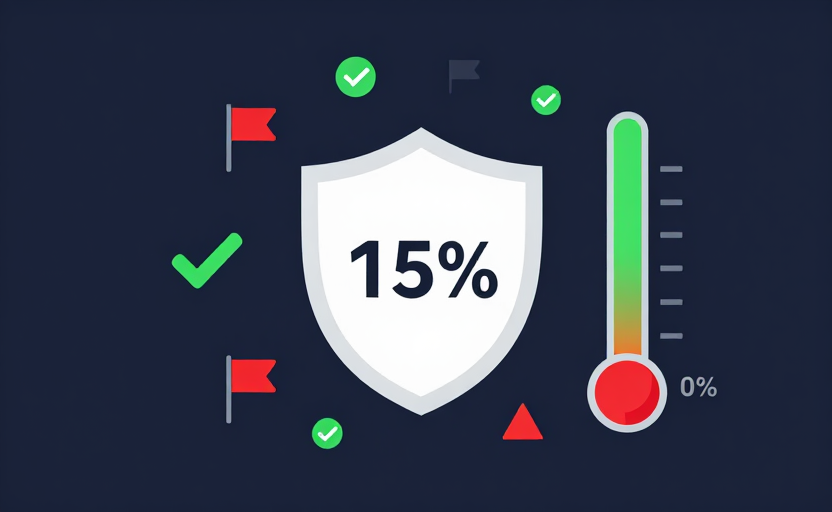
Spam Score is a metric developed by Moz that predicts the likelihood that a website has been penalized or flagged as spam by search engines. It is expressed as a percentage from 0% to 100%.
Moz Spam Score is based on a set of 27 correlation flags — site-level features that Moz found to be strongly correlated with sites that have been penalized or banned by Google. The more flags a site triggers, the higher its Spam Score.
It's important to note that a high Spam Score does not necessarily mean a site is spammy. It means the site shares characteristics with sites that have been penalized. Always investigate the specific flags triggered before making judgments.
Spam Score Ranges
- 1-10%: Low Risk — Safe for link building
- 11-30%: Medium Risk — Evaluate carefully before linking
- 31-60%: High Risk — Likely has spammy characteristics
- 61-100%: Very High Risk — Strongly correlated with penalized sites
How to Check Spam Score
Enter your URLs
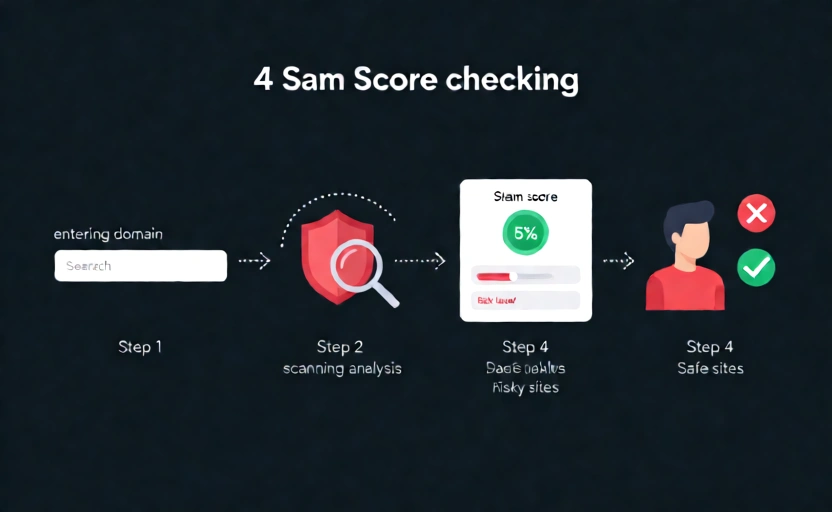
Paste one or more URLs in the input field above. Enter each URL on a separate line, including the https:// prefix.
Click "Check Spam Score"
Click the button to retrieve the latest Spam Score stored for each listed domain.
Interpret the results
Review the Spam Score for each domain. Low scores (1-10%) are safe, medium scores (11-30%) need evaluation, and high scores (31%+) indicate risk.
Take action
For your own site: fix the issues causing high spam score. For link building: avoid sites with spam score above 30%. For existing backlinks: consider disavowing links from high spam score sites.
Why Check Spam Score?
Link Building Safety
Before building links from a website, check its spam score to avoid toxic links that could harm your SEO rankings.
SEO Audit
Include spam score in your SEO audits to identify potential risks and areas that need improvement on your own site.
Guest Posting
When looking for guest posting opportunities, check the spam score of target sites to ensure you're associating with quality websites.
Backlink Cleanup
Identify high spam score sites linking to you and consider disavowing them to protect your site from potential penalties.
Competitor Analysis
Check competitors' spam scores to understand their link quality and identify potential vulnerabilities in their SEO strategy.
Domain Evaluation
Before purchasing an expired domain or accepting a partnership, check its spam score to avoid inheriting spammy link profiles.
FAQ