Domain Rating Checker - Check Ahrefs DR Score Free
Check the Ahrefs Domain Rating (DR) score of any website instantly. Free, fast Domain Rating checker.
Page Sponsor
Key Features
Check Ahrefs Domain Rating for free, no subscription required
Ahrefs Domain Rating
Get the official Ahrefs DR score (0-100) for any domain, measuring the strength of its backlink profile.
Instant DR Lookup
Enter a single domain and get its Domain Rating in seconds — no Ahrefs subscription required.
Free & No Login
Check domain ratings for free, with no account and no limits, whenever you need to.
Great for Link Prospecting
Quickly gauge the backlink strength of a domain before pursuing it as a link-building target.
Domain Rating vs Domain Authority
DA (Moz) and DR (Ahrefs) are the two most popular authority metrics — here is how they differ
| Feature | Domain Authority (DA) | Domain Rating (DR) |
|---|---|---|
| Developer | Moz | Ahrefs |
| Scale | 1-100 | 0-100 |
| Primary focus | Domain Authority (DA) | Domain Rating (DR) |
| Data source | Moz link index | Ahrefs link index |
| Algorithm | Machine learning (multiple factors) | PageRank-like (links only) |
| Update frequency | Every 3-4 weeks | More frequent |
| Free checker | DA PA Checker | Domain Rating Checker |
DA predicts overall ranking potential; DR measures backlink profile strength. Use both for a fuller picture.
What is Domain Rating?
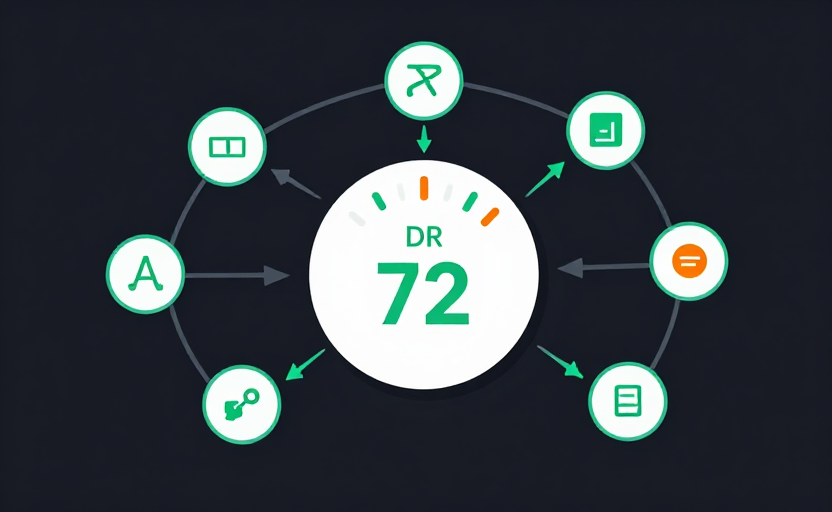
Domain Rating (DR) is a metric developed by Ahrefs that measures the strength of a website's backlink profile on a scale of 0 to 100. It is Ahrefs' equivalent of Moz's Domain Authority.
DR is calculated by looking at the quantity and quality of external backlinks pointing to a domain. The core idea is similar to Google's original PageRank: a link from a high-DR site passes more "DR juice" than a link from a low-DR site.
Unlike DA which incorporates multiple factors, DR is purely link-based. This makes it a more focused measure of backlink strength, though it doesn't account for other SEO factors like content quality or user experience.
DR Score Ranges
- 0-20: Low — New or rarely linked-to websites
- 21-40: Below Average — Sites with limited backlink profiles
- 41-60: Average — Sites with moderate backlink strength
- 61-80: Good — Sites with strong, diverse backlink profiles
- 81-100: Excellent — Sites with exceptional backlink authority
How to Check Domain Rating
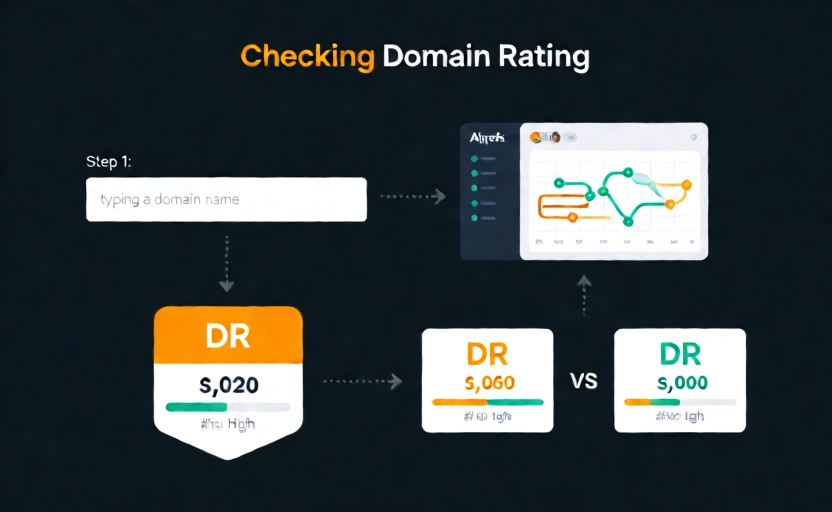
Enter a URL
Type the full URL of the website you want to check, including https://.
Click "Check DR"
Click the button to get the Domain Rating score from Ahrefs' data.
Interpret the results
Review the DR score. Compare it against your competitors and track it over time to measure your link building progress.
Compare with DA
For a complete picture, also check the Domain Authority score. Compare both metrics to understand your site's overall authority from different perspectives.
Why Check Domain Rating?
Ahrefs Ecosystem
DR is the standard metric in the Ahrefs ecosystem. If you use Ahrefs tools, tracking DR is essential for consistent analysis.
Link Profile Strength
DR provides a focused measure of your backlink profile strength. It's purely link-based, making it a clear indicator of link authority.
Competitor Benchmarking
Compare your DR against competitors to understand the link gap you need to close to compete for the same keywords.
Link Building ROI
Track DR over time to measure the impact of your link building campaigns and calculate ROI on your SEO investments.
Complement to DA
Tracking both DR and DA gives you a more complete picture of your domain's authority, as each metric uses different data sources.
Link Prospect Evaluation
Use DR to quickly evaluate the authority of potential link targets. Focus on sites with higher DR for maximum SEO value.
Related Tools
Explore our other free SEO tools
FAQ