How to Reduce Spam Score - 8 Actionable Steps
How to reduce spam score with 8 actionable steps. Learn to audit backlinks, disavow toxic links, improve content, fix technical issues, and lower your Moz Spam Score to protect SEO rankings.
Why Your Spam Score Matters
A high Spam Score is a warning sign. Developed by Moz, Spam Score predicts the likelihood that a website shares characteristics with sites that have been penalized or banned by Google. While the score itself is not a Google ranking factor, the issues it highlights — toxic backlinks, thin content, missing trust signals — are exactly the kinds of problems that can hurt your rankings.
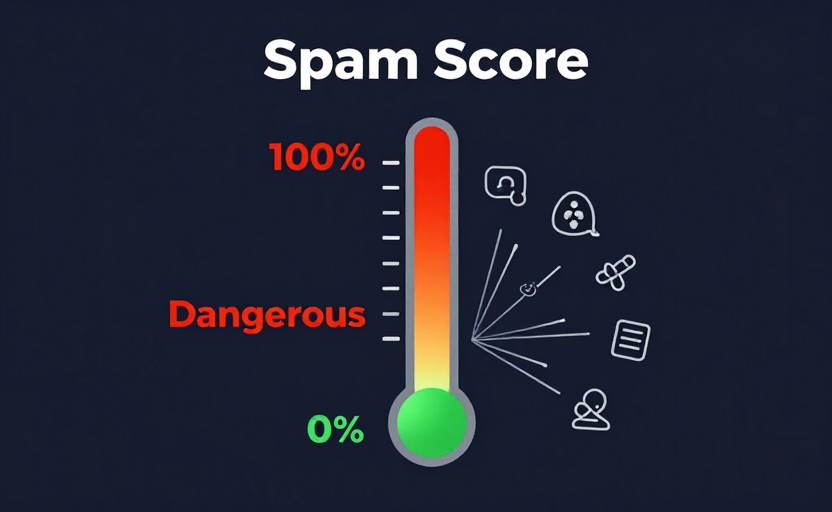
If your site has a Spam Score above 30%, it is worth investigating and cleaning up. To understand exactly what Spam Score measures, see our complete guide to Moz Spam Score. Check your current score now with our free Spam Score Checker.
Here are 8 actionable steps to reduce your Spam Score.
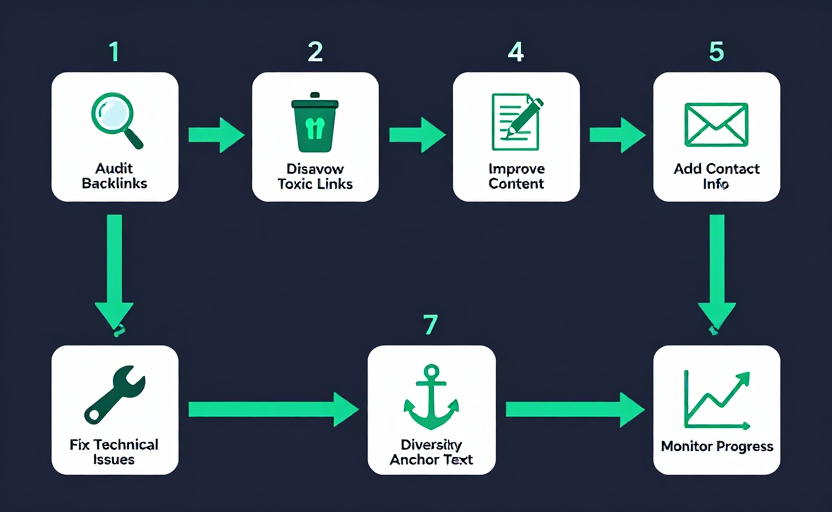
1. Audit Your Backlink Profile
The single biggest driver of a high Spam Score is a poor backlink profile — too many links from low-quality, irrelevant, or spammy sites. Your first step is to find those links.
How to do it:
- Export your backlinks from Google Search Console or a backlink tool
- Run your linking domains through our Bulk DA PA Checker to get DA and Spam Score for each
- Flag any referring domain with a Spam Score above 30% as a candidate for removal or disavowal
2. Disavow Toxic Backlinks
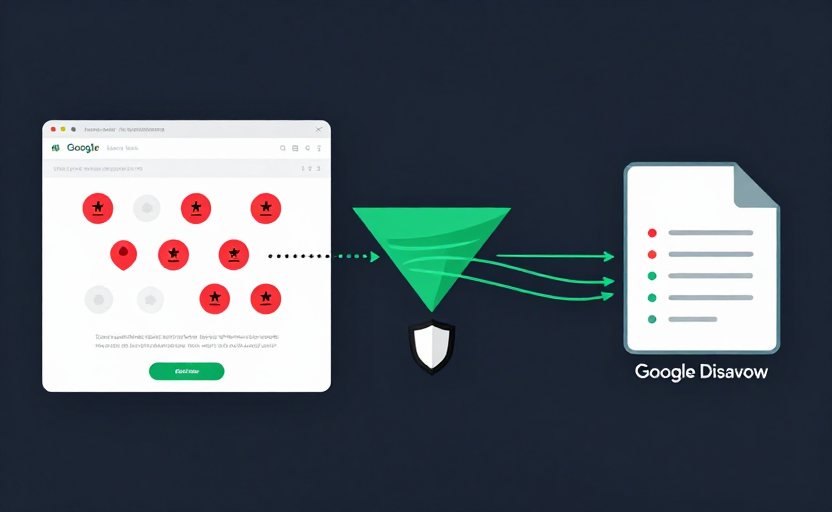
Once you have identified toxic backlinks, you cannot always remove them yourself — but you can tell Google to ignore them using the Google Disavow Tool.
How to do it:
- First, try contacting the linking site and asking them to remove the link
- For links you cannot remove, create a disavow file listing the toxic domains or URLs
- Submit the file through Google Search Console's Disavow Links tool
- Be conservative — only disavow genuinely toxic links, as over-disavowing can remove valuable equity
Disavowing toxic links is one of the most effective ways to reduce Spam Score when poor backlinks are the cause.
3. Improve Content Quality
Thin content, duplicate content, and keyword stuffing are all Moz spam flags. Improving content quality removes these flags and strengthens your site overall.
How to do it:
- Expand thin pages with substantial, original, useful content
- Remove or consolidate duplicate content across your site
- Eliminate keyword stuffing and write naturally for users
- Ensure every page provides genuine value, not just filler to target a keyword
4. Add Contact Information
Missing contact information is a classic spam flag — legitimate businesses make themselves reachable, while spam sites often hide. Adding clear contact details removes this signal.
How to do it:
- Create a visible Contact page with an email address or contact form
- Add a physical address if applicable
- Create an About page that explains who runs the site
- Make sure contact info is easy to find from the footer or navigation
5. Implement HTTPS
Lack of an SSL certificate (no HTTPS) is another spam flag and a genuine security issue. Google has used HTTPS as a minor ranking signal since 2014, so implementing it helps both Spam Score and SEO.
How to do it:
- Get a free SSL certificate via Let's Encrypt
- Install it on your server (most hosts offer one-click setup)
- Redirect all HTTP traffic to HTTPS with 301 redirects
- Update internal links and your sitemap to use HTTPS
6. Fix Technical Issues
Several technical problems are spam flags: excessive redirects, broken links, cloaking, and hidden text. Cleaning these up makes your site cleaner and more trustworthy.
How to do it:
- Remove unnecessary redirect chains (keep them to a single hop where possible)
- Fix broken links and 404 errors
- Ensure there is no cloaking (showing different content to users vs. crawlers)
- Remove any hidden text or hidden links
7. Diversify Anchor Text
An over-optimized anchor text profile — too many links using exact-match money keywords — is a spam flag and a known target of Google's Penguin algorithm.
How to do it:
- Build new links with varied, natural anchor text
- Include branded anchors (your site or company name), URL anchors, and contextual anchors
- Avoid over-optimizing for exact-match commercial keywords
- Aim for a natural-looking distribution rather than one dominant anchor type
8. Monitor Progress Over Time
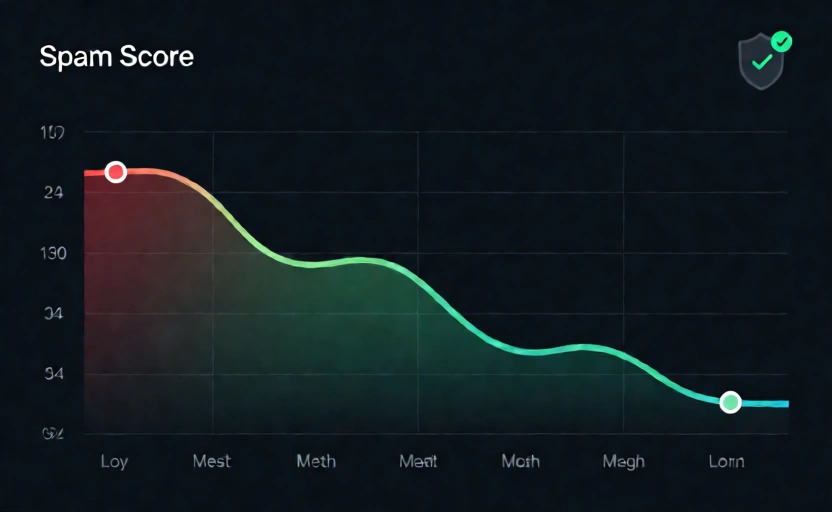
Reducing Spam Score is not a one-time fix — it requires ongoing monitoring. Moz updates Spam Score as it re-crawls the web, so you should track your score periodically.
How to do it:
- Re-check your Spam Score every few weeks with our Spam Score Checker
- Continue auditing new backlinks as your site grows
- Keep content quality high and avoid any tactics that resemble spam
- Pair Spam Score monitoring with Domain Authority tracking for a full SEO health view
Conclusion
A high Spam Score is fixable. By auditing your backlinks, disavowing toxic links, improving content, adding trust signals like contact info and HTTPS, fixing technical issues, and diversifying anchor text, you can systematically remove the spam flags driving your score up.
Check your Spam Score now with our free Spam Score Checker, and use the Bulk DA PA Checker to vet your backlink sources in batches. To learn what each spam flag means, read our complete Spam Score guide.
Frequently Asked Questions
How do I reduce my spam score?
To reduce spam score, audit your backlink profile and disavow toxic links, improve thin or duplicate content, add contact information, implement HTTPS, fix technical issues like broken links and excessive redirects, and diversify your anchor text. Spam score drops as you remove the spam flags triggering it.
How long does it take for spam score to go down?
Spam score updates when Moz re-crawls and re-evaluates your site, typically every few weeks. After you fix the underlying issues and disavow toxic links, expect to see your score drop within one to two Moz index updates.
Can disavowing backlinks reduce spam score?
Yes. If your high spam score is caused by toxic backlinks, disavowing those links with Google's Disavow Tool and cleaning up your link profile is one of the most effective ways to reduce it.
Will a high spam score hurt my Google rankings?
Spam score itself is not a Google metric, but the issues it flags (toxic links, thin content, missing contact info) are things Google may penalize. Reducing spam score aligns with fixing problems that genuinely protect your rankings.
What spam score is considered safe?
A spam score of 1-10% is low risk and safe. 11-30% is medium risk and should be evaluated. 31-60% is high risk and warrants cleanup. Anything above 60% is very high risk and should be addressed urgently.
Does adding a contact page lower spam score?
It can. Missing contact information is one of Moz's spam flags, so adding a visible contact page, email address, and about page can remove that flag and contribute to a lower spam score.